SQL Box#
The SQL Box lets you run SQL queries against the Znuny application database directly from the administration interface, without needing a separate database client. It is intended for read-only investigation — looking up data, verifying configuration, or checking record counts.
Important
The SQL Box is only accessible when Secure Mode is enabled in System Configuration (SecureMode = 1). If you see an access-denied message, enable Secure Mode first.
Navigate to Admin → SQL Box to open the module.
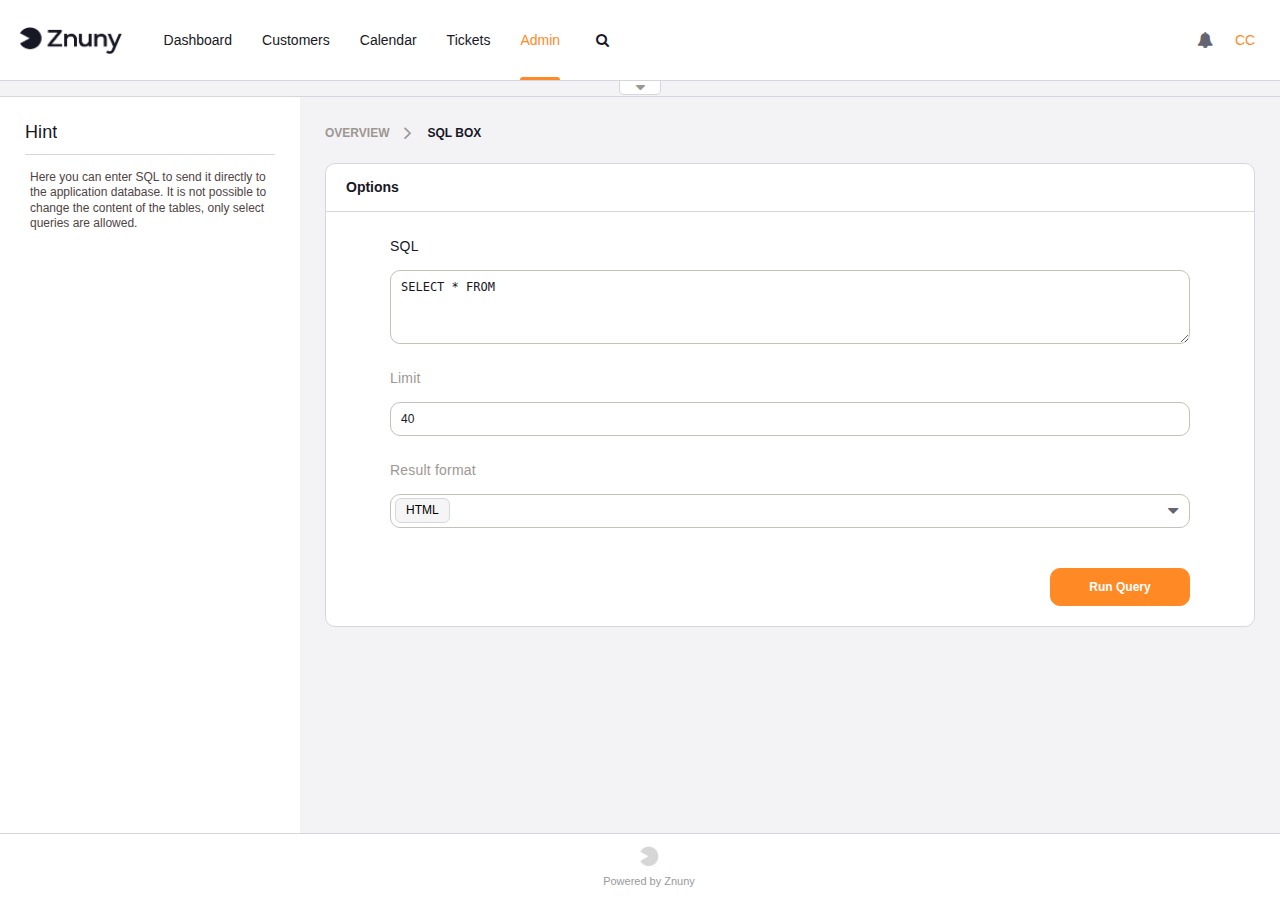
Running a Query#
The form has three fields:
- SQL
The query to execute. Pre-filled with
SELECT * FROM `` as a starting point. By default, only ``SELECT,SHOW, andDESCstatements are accepted — attempting anything else returns a validation error.- Limit
Maximum number of rows to return. Default is
40. Raise this when you need to see more rows, but be aware that very large result sets slow the browser down.- Result Format
How to present the output:
- HTML
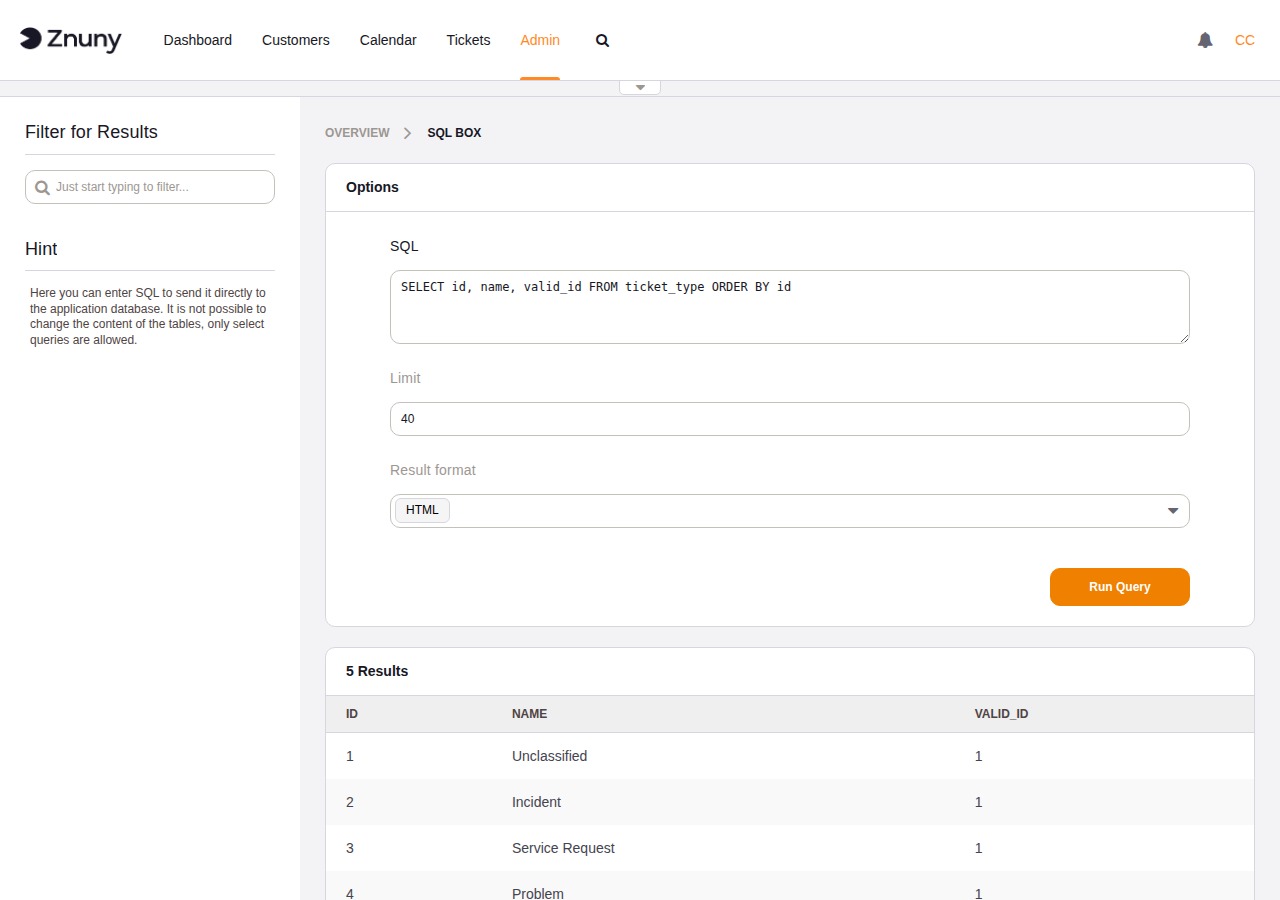
Results are rendered as a table in the browser with a Filter for Results search box in the sidebar. Useful for quick inspection.
- CSV
Results are downloaded immediately as a
.csvfile. The separator follows the agent’s personal CSV separator preference.- Excel
Results are downloaded as a
.xlsxfile.
Click Run Query to execute.
Reading Results#
HTML results appear below the form in a table with column headers taken from the query. The row count is shown above the table. Use the Filter for Results box in the sidebar to narrow down rows client-side without re-running the query.
Database Compatibility#
The SQL Box works on all databases Znuny supports, but with differences in what statements are useful depending on the backend.
Statement support varies by database. The validator accepts SELECT,
SHOW, and DESC on all backends, but SHOW and DESC are only
valid SQL on MySQL/MariaDB.
Statement |
MySQL/MariaDB |
PostgreSQL |
Oracle |
|---|---|---|---|
|
Yes |
Yes |
Yes — Oracle-specific syntax ( |
|
Yes |
No — use |
No — use |
|
Yes |
No — use |
No — use |
|
Yes |
No |
No |
Row limit field |
Appends |
Appends |
Applied at fetch time — no |
Allowing Write Operations#
By default the module enforces read-only access. To allow INSERT, UPDATE, DELETE, and other write statements, enable the SysConfig setting AdminSelectBox::AllowDatabaseModification.
Warning
Enabling write access allows direct modification of application data without any of the validation or event handling that normally runs when data is changed through the interface. Changes made this way can leave data in an inconsistent state. Only enable this setting when you have a specific, well-understood need, and disable it again immediately afterwards.