Multi-Company Access for Customer Users#
By default, a customer user belongs to exactly one customer company — the one set in their account. This module lets you assign a customer user to additional customer companies without changing their primary company record.
When is this needed?#
Common scenarios where one customer user needs access to multiple companies:
A contractor or consultant who raises and tracks tickets on behalf of several client organisations.
A holding-company contact who manages tickets across multiple subsidiaries, each with its own Customer ID.
A shared-service user whose primary company is a corporate parent but who also needs visibility into a regional entity’s tickets.
Without this mapping, a customer user logging into the customer portal can only see tickets that belong to their primary Customer ID. With additional relations active, the customer portal shows tickets from all of their assigned companies.
Prerequisites#
No system configuration changes are required. The module is available as soon as at least one customer company (Customer) and one customer user exist in the system. Assignments take effect immediately without a cache flush.
Note
This module only manages additional company relations. The primary company is always set on the customer user record itself via Customer Users.
Using the Module#
Navigate to Admin → Customer Users ↔ Customers. Search for a customer
user by name or use * to list all. Click the user to open their company
assignment page.
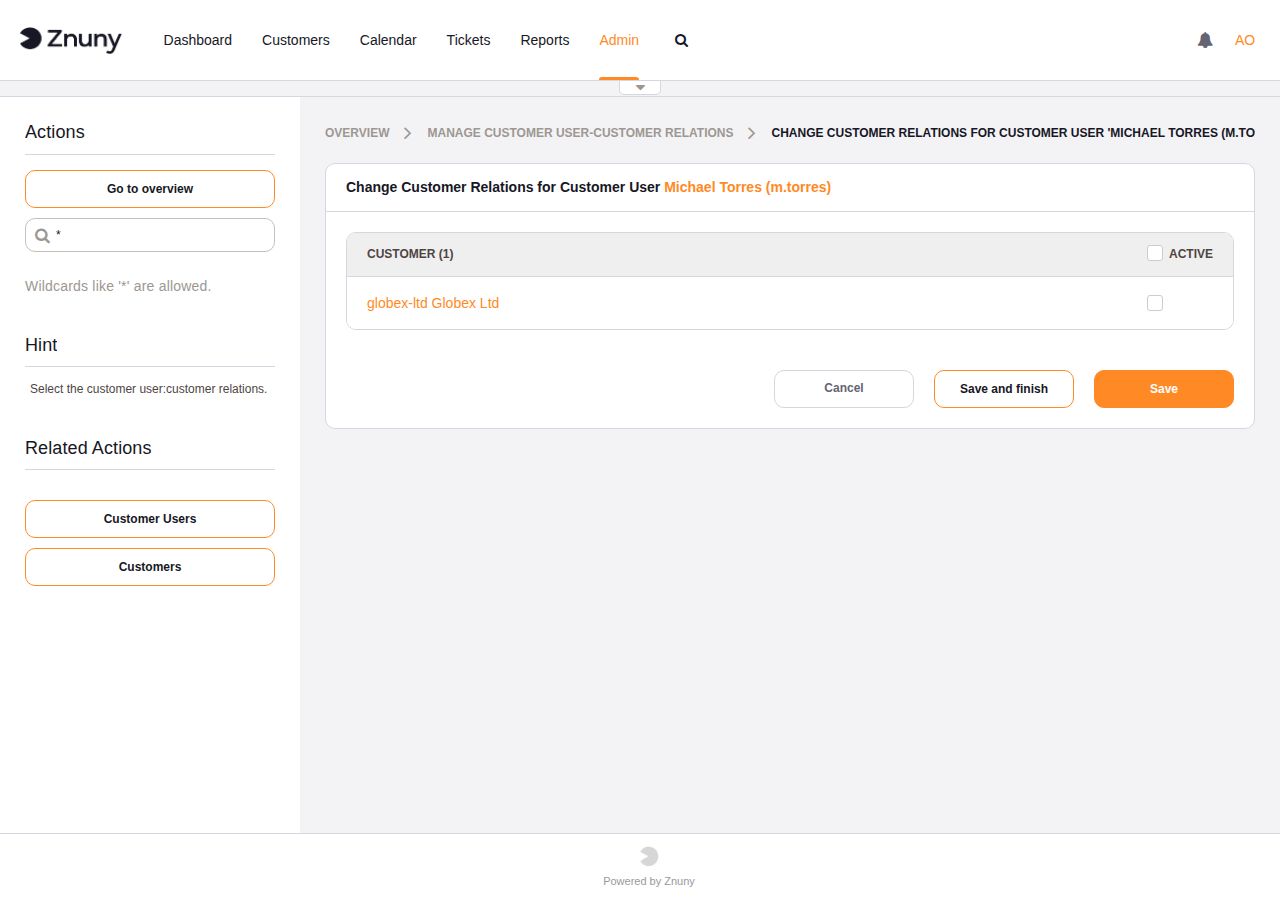
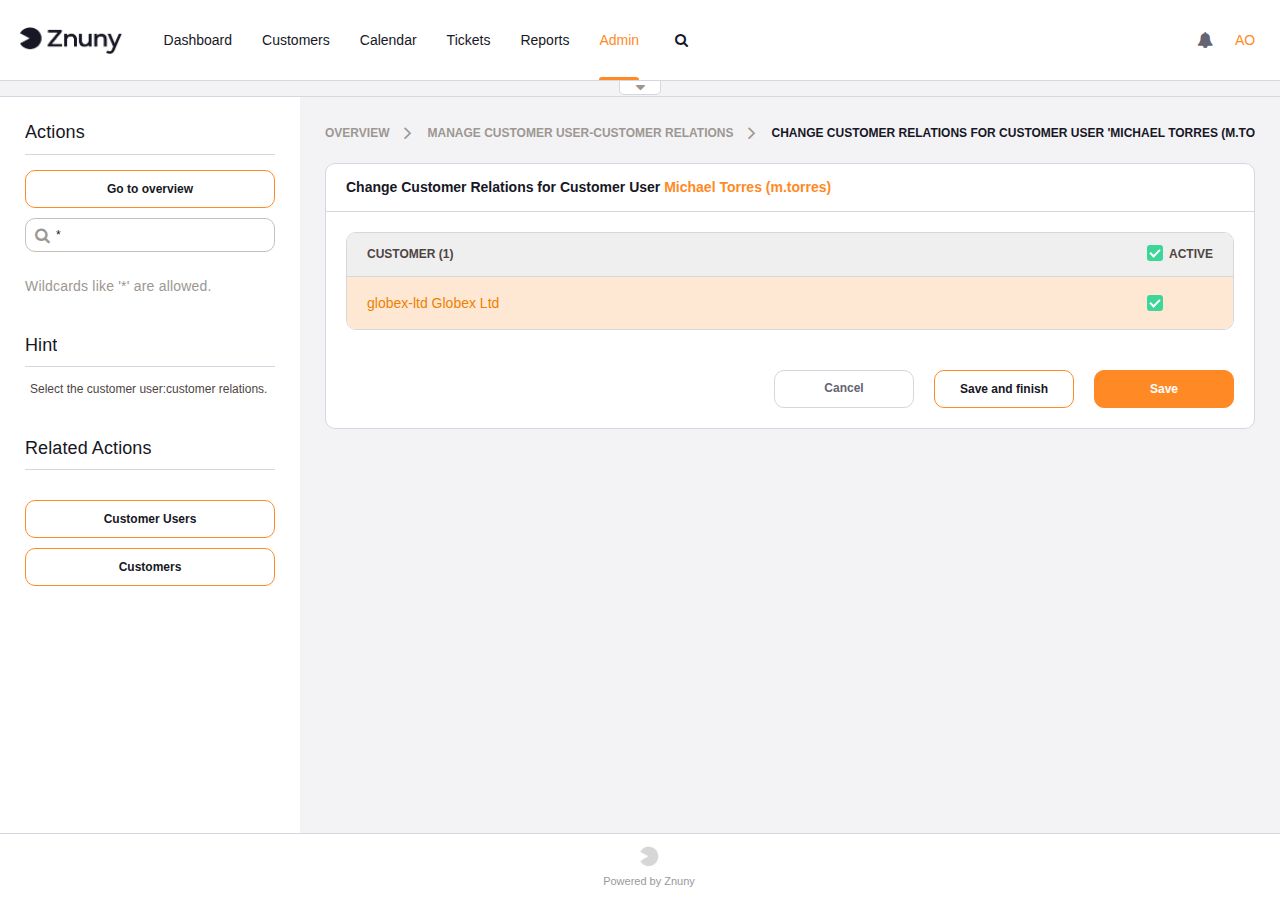
Tick the checkbox next to each company you want to add, then click Save and finish or Save.
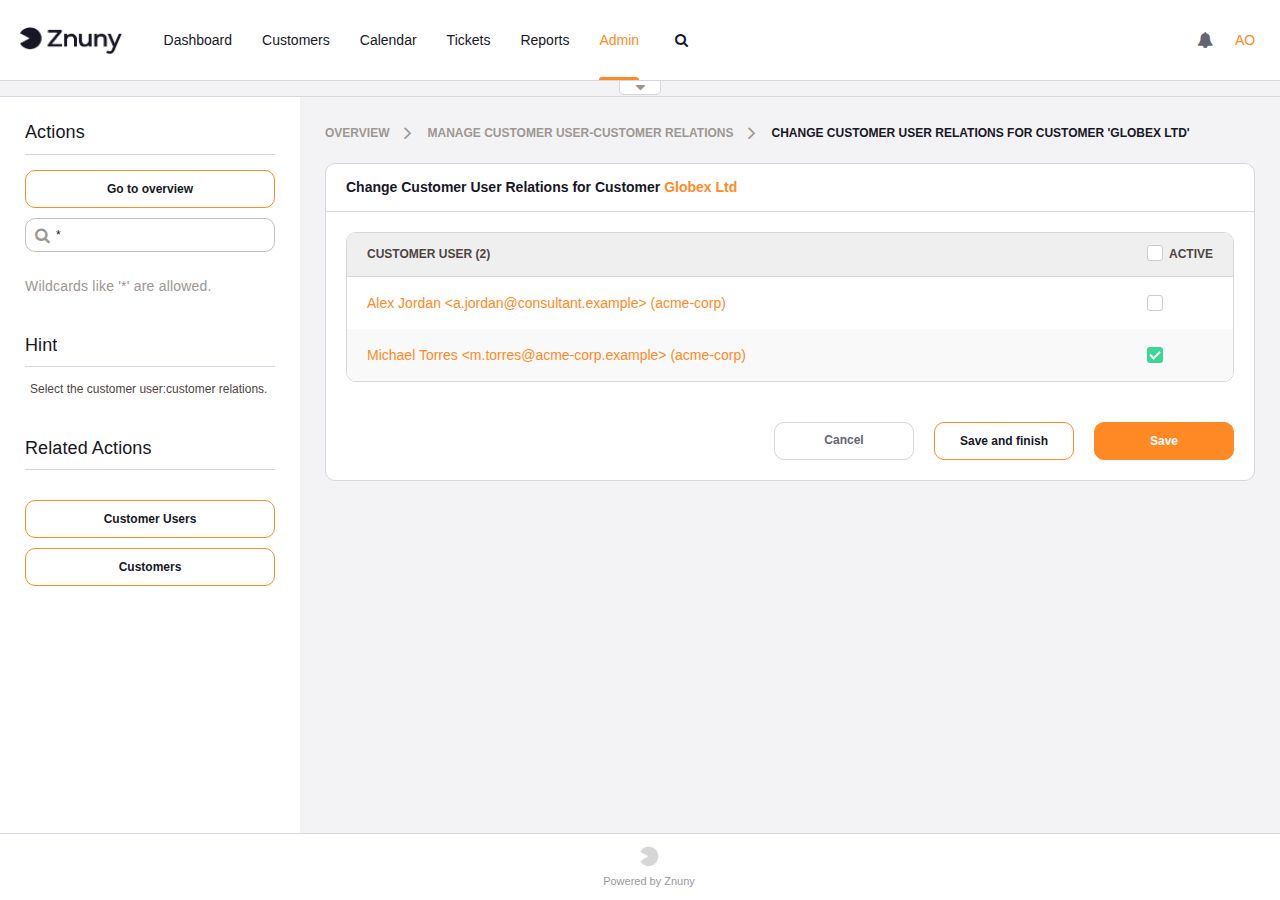
The same relation can be managed from the company side: click Customers in the sidebar, search for a customer company, and assign or remove individual customer users from there.
Selecting from the customer user side shows all companies and lets you assign that user to any of them.
Selecting from the customer company side shows all customer users and lets you assign any of them to that company.
Tickets created under an additionally assigned company are visible to the customer user in the customer portal alongside their primary company’s tickets.
Two Approaches to Multi-Company Access#
Znuny supports two independent ways to grant a customer user access to multiple companies. Choose based on where your customer user data lives.
Admin module — database-stored relations
Use the Customer Users ↔ Customers admin module described above. Relations are stored in the Znuny database and managed through the web interface. This is the right approach when:
Customer users are maintained directly in Znuny (not from an external directory).
You want to manage exceptions or temporary access without touching the backend configuration.
Backend mapping — data-source-driven
The customer user backend (LDAP or database) supports a UserCustomerIDs
field that maps to an attribute or column containing a comma-separated
list of Customer IDs. When this field is populated in the data source,
Znuny reads the additional companies directly from there — no database
relations need to be maintained in Znuny at all.
To enable this, uncomment and configure the UserCustomerIDs mapping in
your backend configuration:
[ 'UserCustomerIDs', Translatable('CustomerIDs'), 'second_customer_ids', 1, 0, 'var', '', 1, undef, undef ],
Replace second_customer_ids with the LDAP attribute or database column
that holds the comma-separated Customer IDs for your environment.
This approach is preferred when:
Customer users are sourced from LDAP, Active Directory, or an external database.
Company memberships are already managed in the directory and should not be duplicated in Znuny.
You want onboarding and offboarding to flow from the directory without admin intervention in Znuny.
Note
Both approaches can coexist. If a customer user has relations set in both the admin module and the backend mapping, Znuny merges them — the user sees tickets from all assigned companies regardless of which mechanism granted the access.
See also
Manage User Backends — customer user backend configuration.
Relation to CustomerIDReadOnly#
Most agent ticket screens have a SysConfig setting named
CustomerIDReadOnly (for example,
Ticket::Frontend::AgentTicketCustomer###CustomerIDReadOnly). When this
is set to 1 (the default), the Customer ID field in that screen is
read-only — agents cannot manually change which company a ticket belongs to.
With CustomerIDReadOnly enabled, the Customer Users ↔ Customers
module becomes the only way for an administrator to grant a customer user
access to tickets from a company other than their primary one. Without this
module, and with read-only Customer IDs, a customer user is permanently
restricted to their primary company’s tickets.
If CustomerIDReadOnly is disabled (set to 0), agents can freely
reassign a ticket to any Customer ID. The two approaches serve different
access models:
Read-only Customer ID (default) — company assignment is an admin responsibility; use this module to manage cross-company access.
Editable Customer ID — agents control company assignment per ticket; this module is less critical but still useful for customer portal visibility.
See also