Import Appointments#
Use this screen to bulk-import appointments into an existing calendar from an iCalendar (.ics) file. This is useful for migrating appointments from an external calendar application or for restoring appointment data.
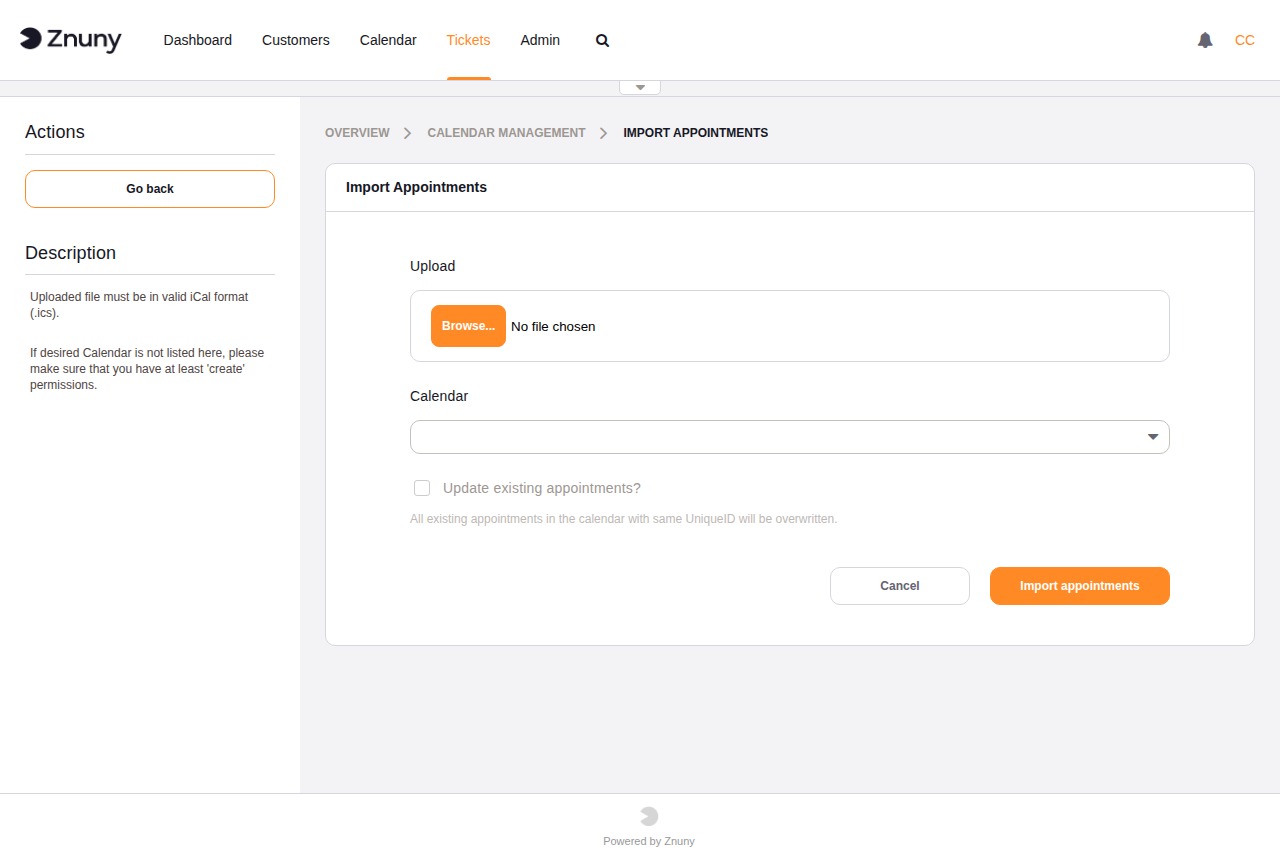
Field |
Description |
|---|---|
Upload |
Required. Select an .ics file from your local computer. |
Calendar |
Required. The target calendar to import the appointments into. Only calendars for which you have create permission are listed. |
Update existing appointments? |
When checked, imported appointments that share a unique identifier with an existing appointment are overwritten. When unchecked, existing appointments are left unchanged and duplicates are skipped. |
Click Import appointments to begin the import. Click Cancel to return to the calendar overview without importing.
Note
To import a calendar configuration (name, colour, group, and ticket appointment rules) rather than appointment data, use the Managing Calendars screen.