Salutations#
A salutation is the opening line prepended to answer templates. Like signatures, salutations are assigned per queue and applied automatically when an agent selects an answer template.
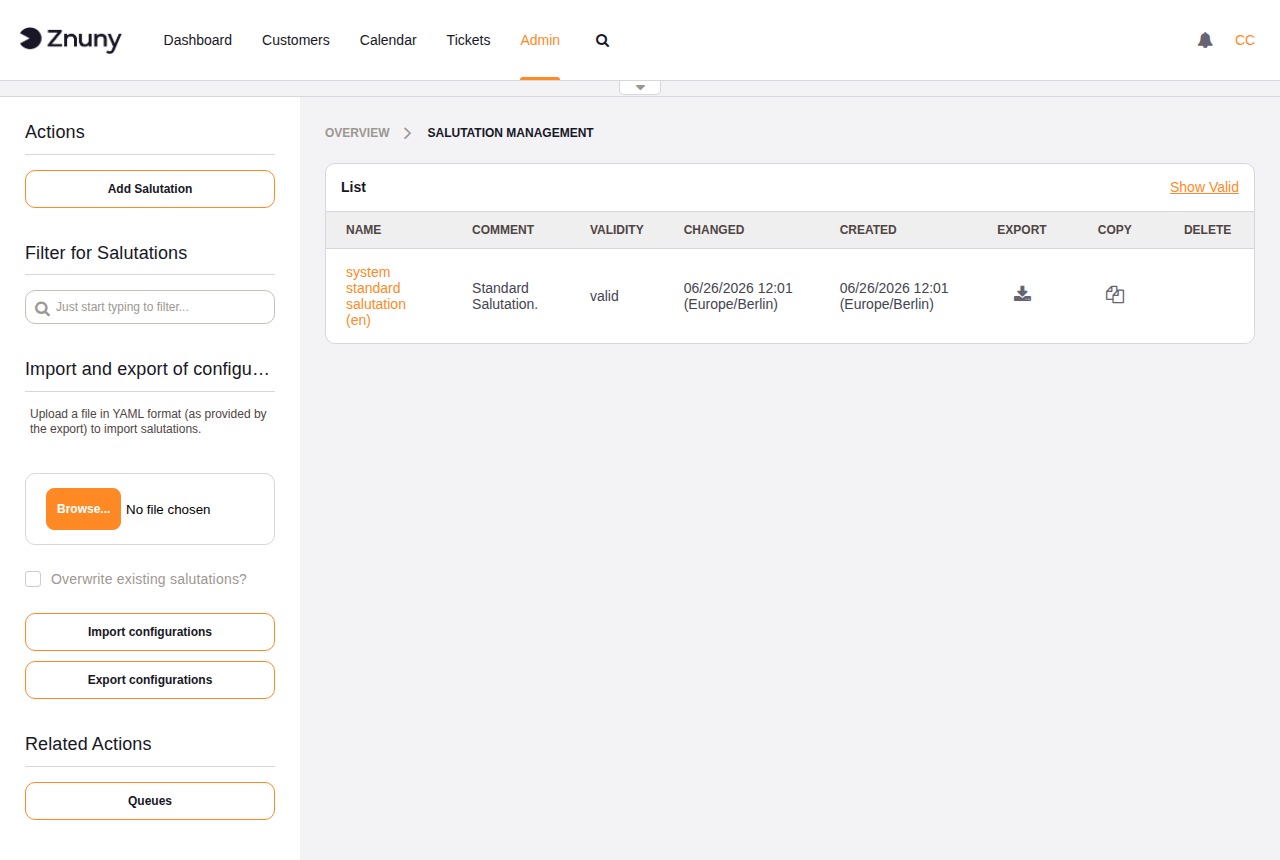
The overview lists all salutations with their name, comment, validity, and the dates they were last changed or created. The sidebar provides buttons to add a salutation, import and export configurations as YAML, and a shortcut to Queues for assignment.
Creating and Editing a Salutation#
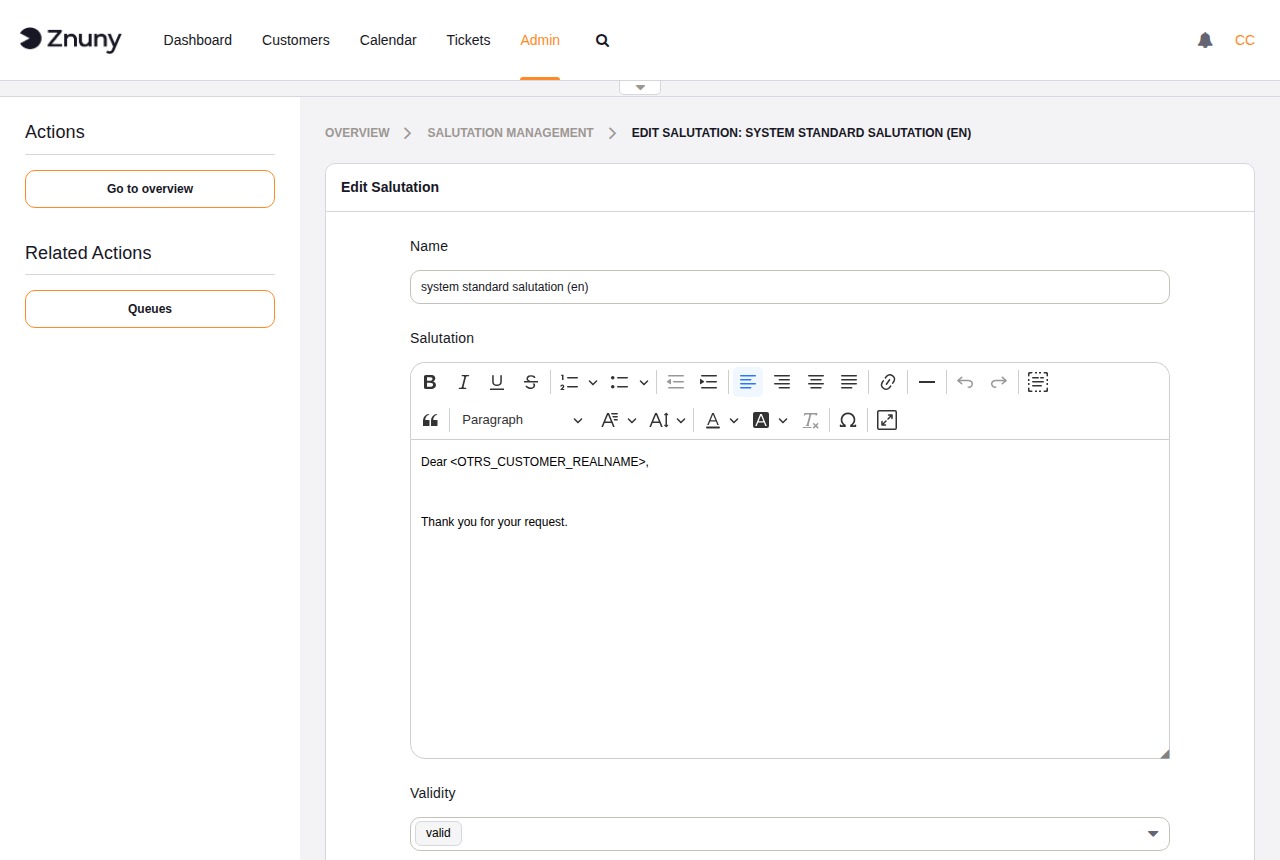
Field |
Description |
|---|---|
Name |
Required. Internal identifier shown in the overview and in queue settings. |
Salutation |
Required. The salutation text, fully HTML-capable via the built-in rich text editor. Placeholders for ticket and customer data can be used here. |
Validity |
Required. Set to Invalid to disable this salutation without deleting it. |
Comment |
Optional. Internal note about the purpose of this salutation. |
Buttons: Save and finish returns to the overview. Save saves without navigating away. Cancel discards unsaved changes.
See also
Placeholder Tags for a full list of placeholders available in salutation text.
Assigning a Salutation to a Queue#
Salutations take effect through the queue they are assigned to. Navigate to Admin → Queues, open the queue, and select the salutation from the Salutation dropdown.
See also