Ticket Priorities#
A priority expresses the urgency of a ticket. It affects how tickets sort in queue overviews and, when no SLA is configured, which escalation times apply. Each ticket carries exactly one priority at a time; agents can change it at any point.
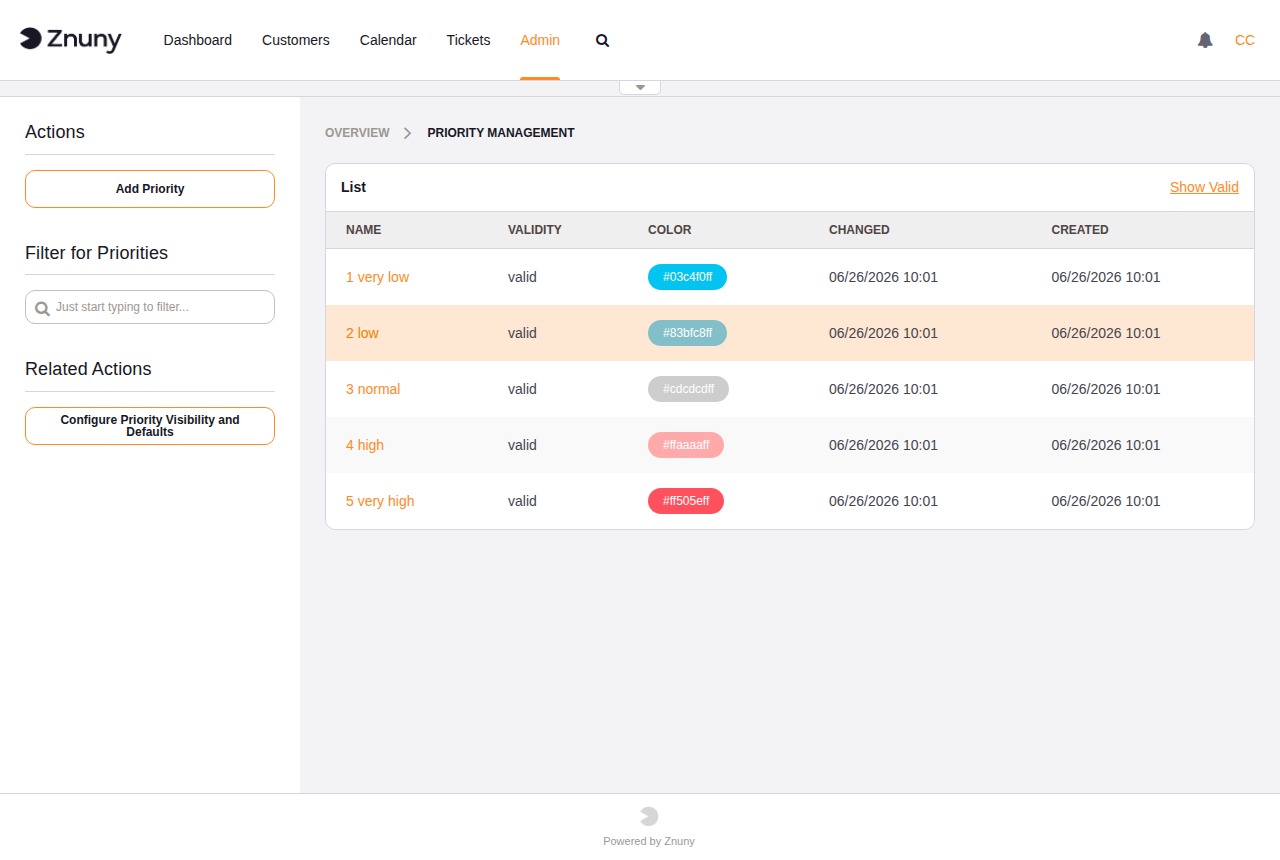
The five built-in priorities use a numeric prefix (1 very low through 5 very high) because ticket screens sort the priority list alphabetically. The prefix is what enforces urgency order. Any custom priority you add must follow the same convention — for example, 3a medium-high — or it will appear out of alphabetical order in ticket screens and may confuse agents.
Invalidating a priority hides it from ticket screens without affecting historical tickets. Priorities cannot be deleted.
See also
Priorities in the Concepts section for the full list of defaults, colours, and workflow automation options.
The overview lists all priorities with their name, colour, and validity.
Creating and Editing a Priority#
Field |
Description |
|---|---|
Name |
Required. Display name shown in ticket screens. |
Color |
Pick from the colour palette. The selected colour appears as a swatch in the priority list and can highlight tickets in agent overviews. |
Validity |
Required. Set to Invalid to hide this priority from ticket screens without deleting it. |